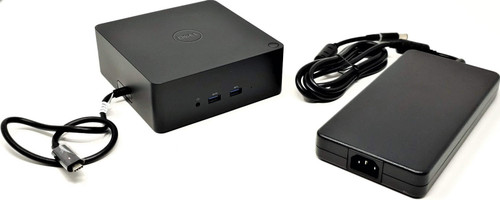
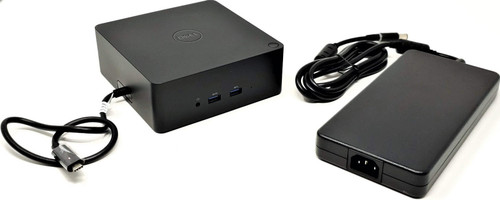
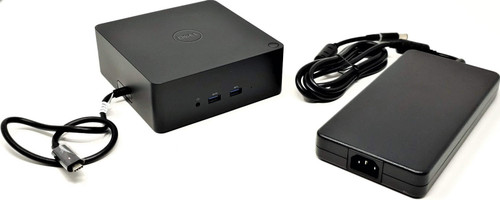
K16A - TB16 Thunderbolt 3 Docking Station with 180W Adapter for Latitude Precision XPS
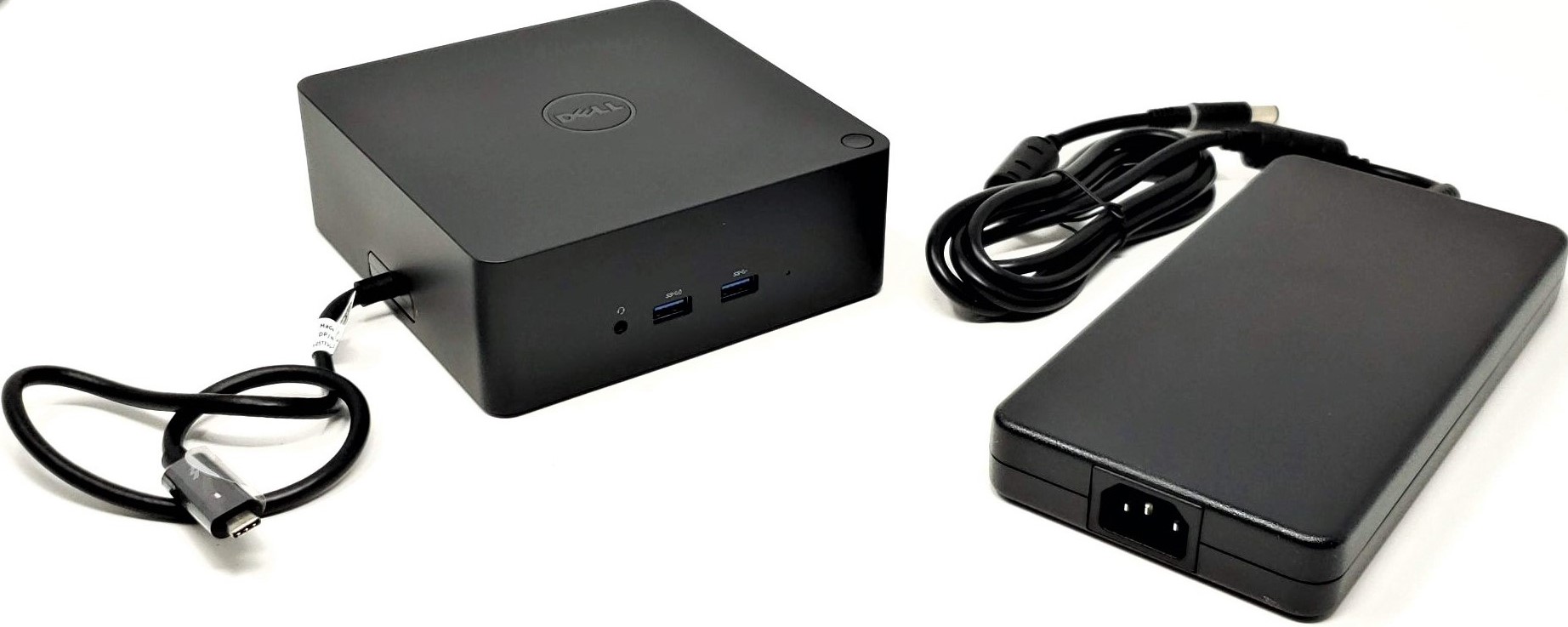
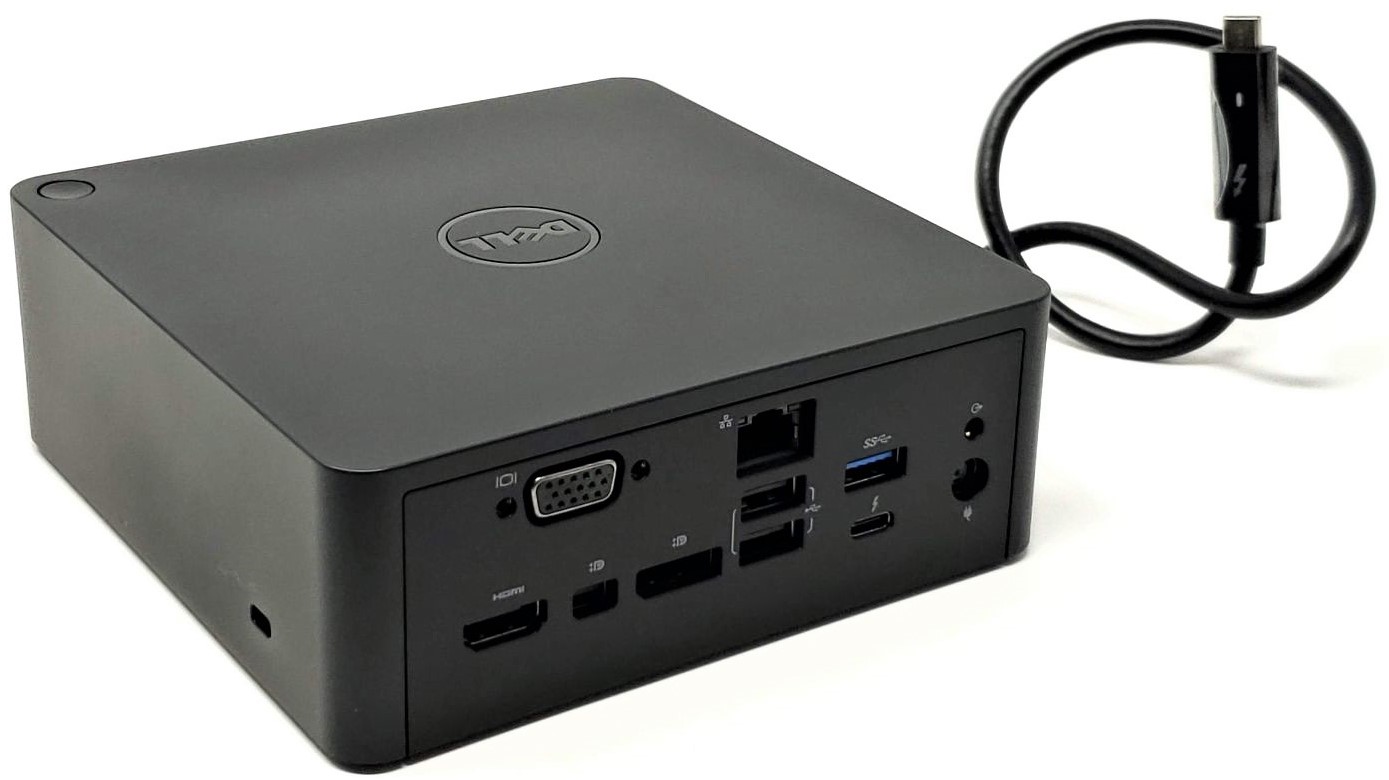
Create a full desktop-style workstation from a compatible Thunderbolt 3 laptop with this K16A TB16 docking station complete kit. This setup expands a single Thunderbolt 3 USB-C connection into multiple video outputs, USB ports, Gigabit Ethernet, audio, and desk-friendly one-cable docking for office, engineering, design, and productivity environments. The dock supports up to four external displays in supported graphics modes and offers broad compatibility across many Latitude, Precision, and XPS systems equipped with a true Thunderbolt 3 port.
Complete kit includes:
Helpful resources:
Technical Specifications
Interchangeable / Replacement Part Numbers
-
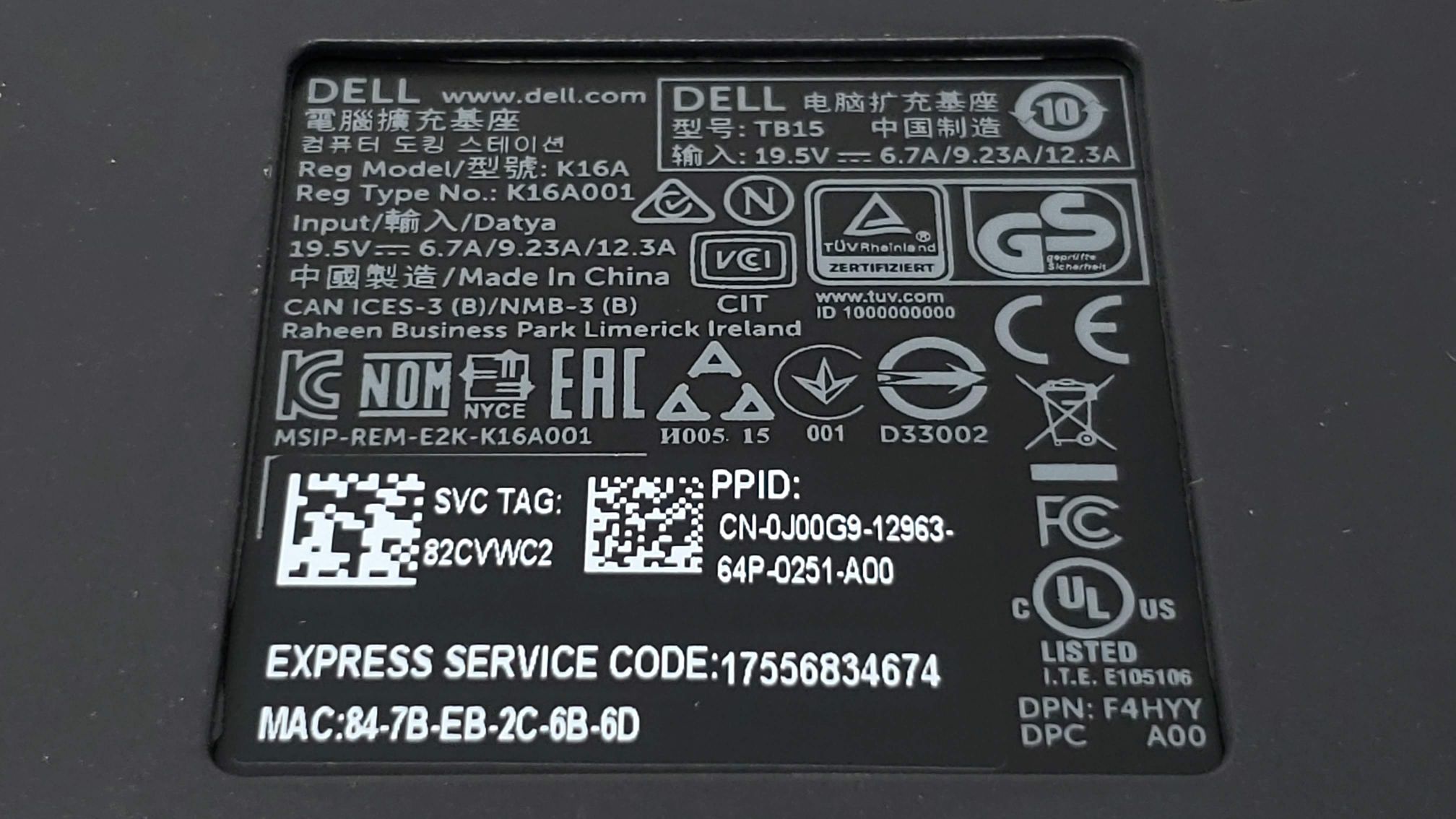
K16A, K16A001, TX2CP, 3GMVT, FPY0R, 5K5RK, 3C56F, 0J5C6, 452-BCNU
✅ Confirmed Compatibility
Please note that the following list is not exhaustive. Compatibility depends on your system's specific configuration. It's essential to verify compatibility with your system or enclosure manufacturer prior to installation.
✔️
Latitude: 5290 2-in-1, 5300, 5300 2-in-1, 5400, 5401, 5480, 5491, 5500, 5501, 5580, 5591, 7200 2-in-1, 7280, 7285, 7290, 7300, 7380, 7390, 7390 2-in-1, 7400, 7400 2-in-1, 7480, 7490
✔️
Precision: 3520, 3530, 3540, 3541, 5520, 5530, 5530 2-in-1, 5540, 7520, 7530, 7540, 7720, 7730, 7740
✔️
XPS: 13 9360, 13 9365, 13 9370, 13 9380, 13 9300, 13 2-in-1 7390, 15 9560, 15 9570, 15 9575, 15 7590
✔️
Thunderbolt 3 Systems: compatible laptops equipped with a true Thunderbolt 3 USB-C port
Official support documentation lists the above Latitude, Precision, and XPS families as designed systems for this dock when configured with the required Thunderbolt 3 USB-C connection. Some higher-power Precision models such as 7530, 7540, 7730, and 7740 are marked by the manufacturer as requiring the system’s own AC adapter to supplement the Type-C connection for adequate power.
☑️ Key Features
- Single-cable Thunderbolt 3 docking for supported laptops
- Expands a laptop into a full multi-monitor workstation
- Adds DisplayPort, mini DisplayPort, HDMI, VGA, USB, Ethernet, and audio in one dock
- Supports up to four external displays in supported graphics modes
- Supports single 5K output in supported configurations
- Supports dual 4K displays at 60Hz on supported output combinations
- Supports triple 4K displays at 30Hz on supported output combinations
- Compact square desktop design fits well on office desks and workstation setups
- Includes the 180W adapter and essential cabling for a ready-to-use deployment
- Ideal for business users, engineering workstations, finance desks, IT hot desks, and home office multi-monitor setups
Official display tables show single-display support up to 5120 x 2880 at 60Hz in supported configurations, DP / mDP / USB-C single displays up to 3840 x 2160 at 60Hz, HDMI up to 3840 x 2160 at 24/30Hz, triple 4K at 30Hz on supported combinations, and quad-display operation in special graphics modes on certain systems.
⚙️ Fit Notes
- This dock requires a true Thunderbolt 3 USB-C port on the host system
- It will not function properly on standard USB-C ports that only support DisplayPort over USB-C without Thunderbolt
- 5K support is available only in specific graphics configurations or by using a Thunderbolt 3 USB-C to dual DisplayPort adapter
- Four-monitor support is limited to supported discrete-only or special-graphics modes on select Precision systems
- Systems requiring more than 130W input should also use their own AC adapter for charging and full performance
- For best stability, update BIOS, Thunderbolt controller driver, Thunderbolt firmware, graphics drivers, dock firmware, Ethernet driver, and audio driver before deployment
- If a system shows an undersized power adapter warning, confirm the dock is connected to its own proper power adapter and supplement the laptop with its original charger if required