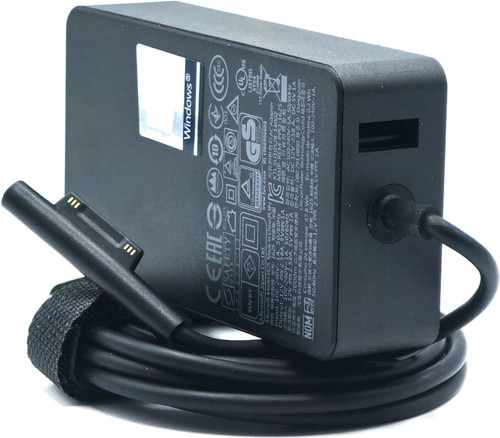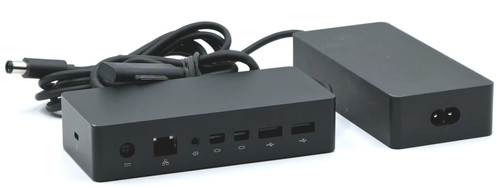
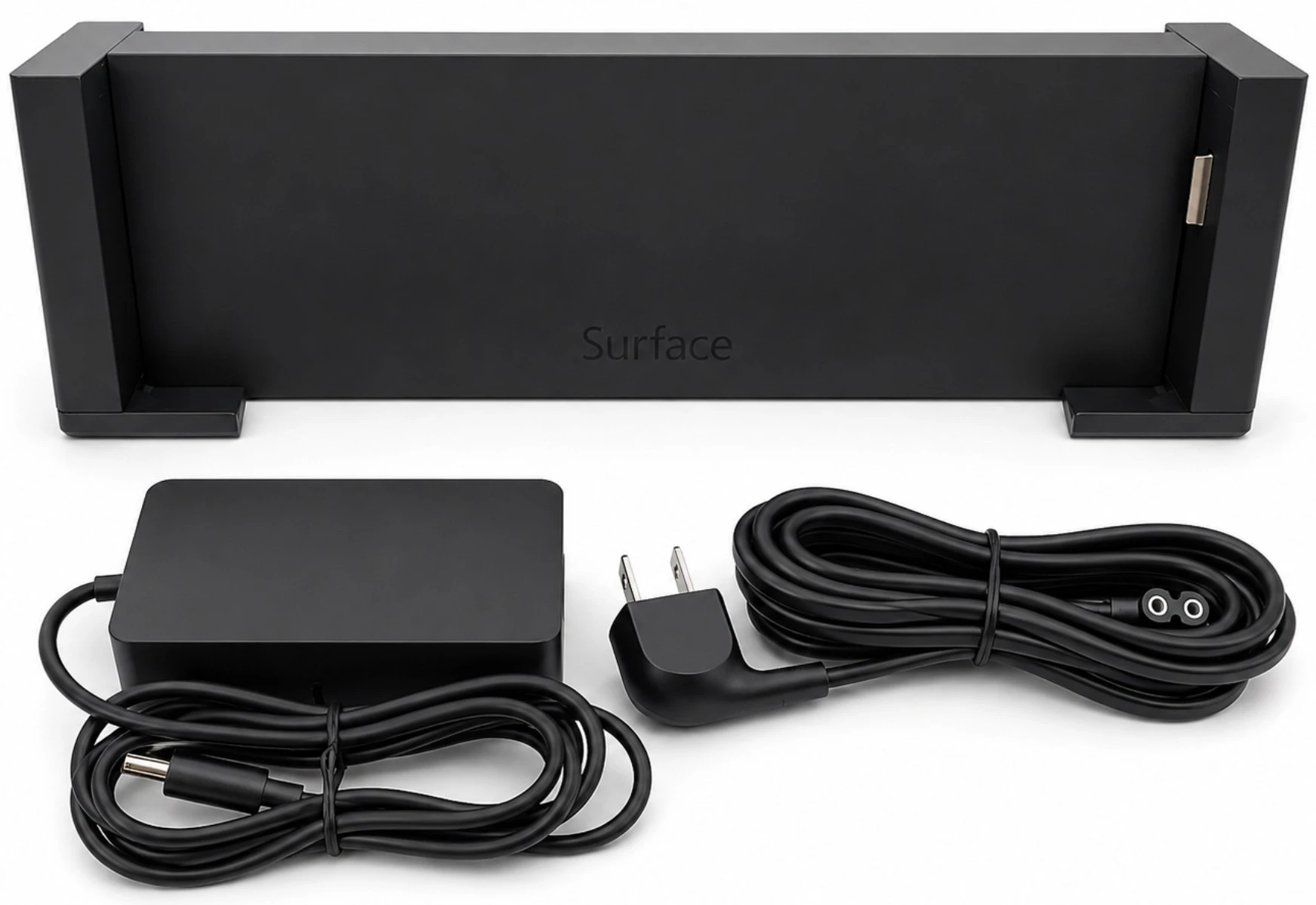



The 3Q9-00001 Model 1664 Docking Station transforms a compatible Surface Pro 3 into a desktop workstation while charging the tablet. Its mechanical side-docking design provides USB expansion, Gigabit Ethernet, external-monitor connectivity, audio, and a security-lock connection without requiring a separate USB host cable.
This listing includes the Model 1664 docking station, the correct Model 1627 48W AC adapter, and a compatible US two-prong wall power cable. Tablet, Type Cover, monitors, video adapters, network cable, and USB accessories are not included.
The dock’s single 3.5mm connection is an audio input/output combination jack. It should not be listed as separate microphone and headphone ports.
Actual resolution and refresh rate depend on the Surface Pro 3 processor configuration, graphics driver, number of active displays, monitor capabilities, cable quality, video adapter, and whether the tablet’s internal screen remains enabled. This dock should not be advertised as supporting 4K at 60Hz or dual 4K displays.
Confirmed regional and commercial package numbers using the same Model 1664 dock hardware:
3Q9-00001, 3Q9-00002, 3Q9-00003, 3Q9-00006, 3Q9-00007, 3QM-00001, 1664, X19-37477-01, 3Q900001, 3Q900002, 3Q900003, 3Q900006, 3Q900007, 3QM00001, X193747701
Model 1664 identifies the docking station. Model 1627 identifies the correct 48W power adapter. These numbers describe different components and should not be combined as though they were interchangeable part numbers.
The Model 1627 adapter accepts a standard two-prong IEC C7 figure-eight wall cable.
DF771 6FT Two-Prong AC Power Cable
Confirm that the adapter has the matching two-slot figure-eight AC inlet before ordering a replacement cable.
The Model 1627 dock adapter has a round barrel connector and powers the docking station. It does not connect directly to the Surface Pro 3.
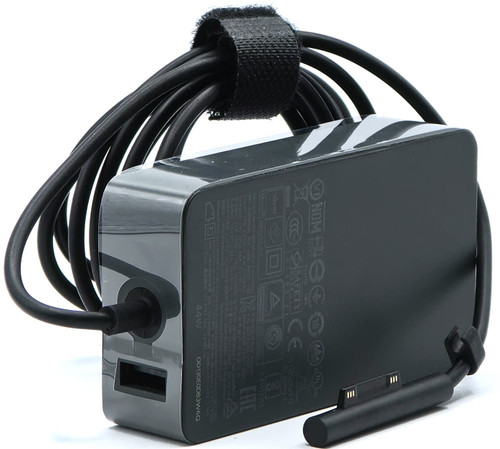
For direct tablet charging, use the separate Model 1625 Surface Connect adapter:
RC2-00001 Model 1625 36W Surface Connect AC Adapter
The Model 1625 36W charger and Model 1627 48W dock adapter are not interchangeable.
Surface Pro 3
✔️ Surface Pro 3 Model 1631
✔️ Surface Pro 3 Core i3 configurations
✔️ Surface Pro 3 Core i5 configurations
✔️ Surface Pro 3 Core i7 configurations
✔️ Surface Pro 3 with 64GB storage
✔️ Surface Pro 3 with 128GB storage
✔️ Surface Pro 3 with 256GB storage
✔️ Surface Pro 3 with 512GB storage
Compatibility is not affected by the tablet’s processor, memory, or storage capacity as long as the device is a genuine Surface Pro 3 with the original docking connection and enclosure dimensions.
Surface Pro 4 Conditional Compatibility
⚠️ Surface Pro 4 can be physically accommodated only when the specially designed Surface Pro 3 Docking Station fit adapter or spacer is installed. The adapter compensates for the Surface Pro 4 enclosure dimensions and is not included with this listing.
Microsoft provides official instructions and printable files for this application:
Surface Pro 4 Adapter for the Surface Pro 3 Docking Station
Without this physical adapter, the Model 1664 dock is a direct fit only for Surface Pro 3.
☑️ Mechanical one-step docking for Surface Pro 3
☑️ Charges the tablet while docked
☑️ Includes the correct Model 1627 48W AC adapter
☑️ Includes a compatible US wall power cable
☑️ Three USB 3.0 Type-A ports
☑️ Two USB 2.0 Type-A ports
☑️ Gigabit Ethernet network connection
☑️ Mini DisplayPort external-monitor output
☑️ Up to 3840 × 2160 resolution at 30Hz on supported configurations
☑️ Multiple-monitor support through the two available Mini DisplayPort paths or DisplayPort MST
☑️ 3.5mm audio input/output combination jack
☑️ Kensingtn-style security-lock slot
☑️ No separate USB host cable required
Dock Identification and Port Guide
Docking Station Setup and Monitor Configuration
Surface Pro 3 Drivers and Firmware Download
Surface Pro 3 Firmware and Update History
Surface Pro 3 Specifications and Features
Surface Pro 3 User Guide PDF
Surface Pro 3 Deployment and Administration Guide
Surface Dock and Docking Station Troubleshooting
Surface Pro 4 Docking Station Fit Adapter Files
The Model 1664 dock does not use the modern Surface Dock firmware updater. Dock-related functionality is supported through the Surface Pro 3 driver and firmware packages. Microsoft has ended new driver and firmware servicing for Surface Pro 3, but previously released packages remain available.