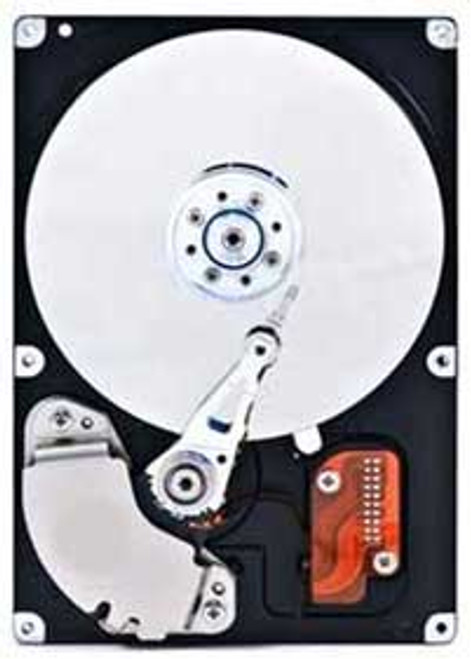
500GB USB 3.0 SuperSpeed Plug and Play Mini Slim Portable External Hard Drive
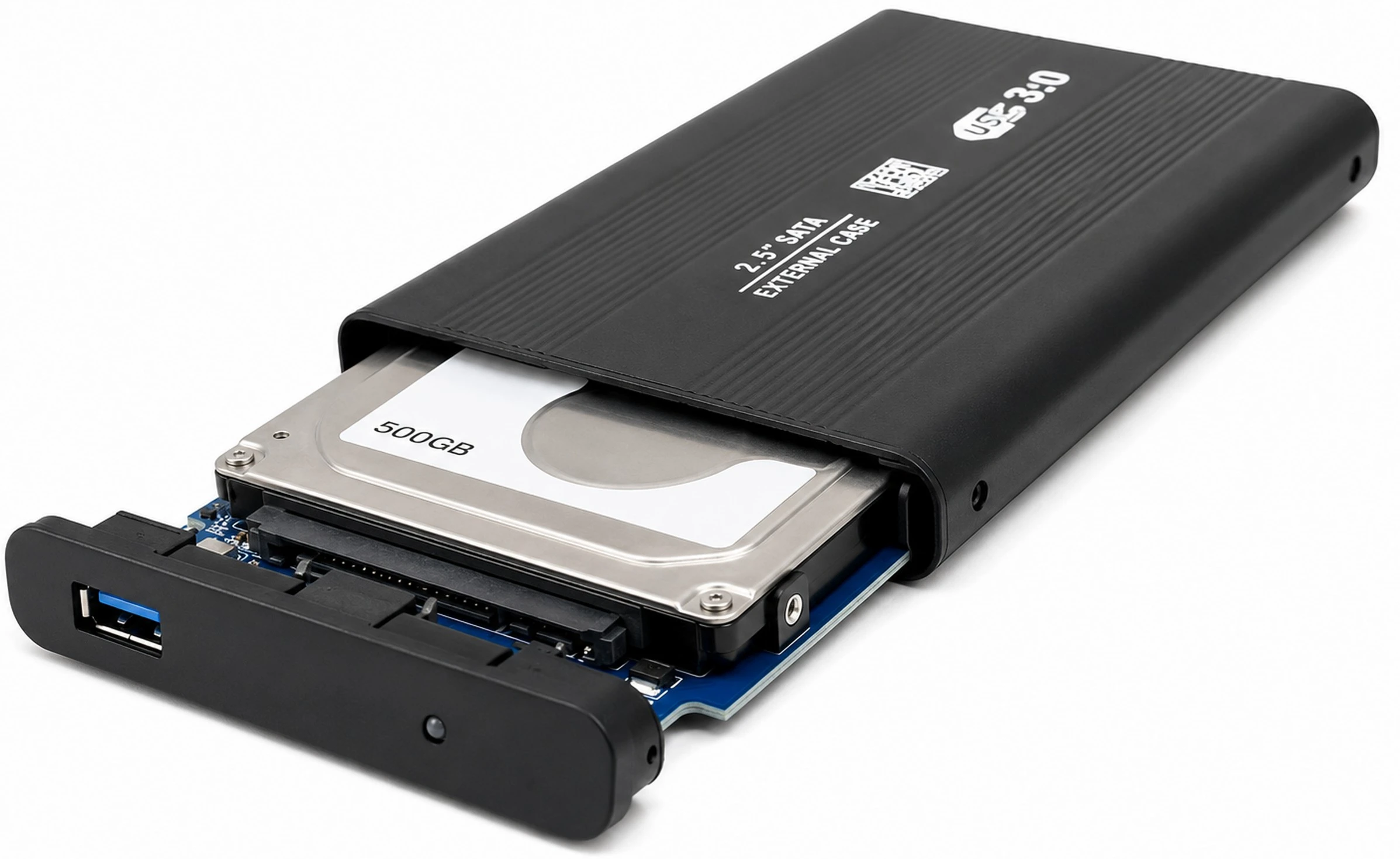
Compact 500GB portable external hard drive for backing up, storing, and transferring documents, photos, videos, music, project files, and other data. The slim aluminum enclosure is powered through USB, eliminating the need for an AC adapter. Connect the included USB 3.0 cable to a compatible Windows 11 PC, Mac, Chromebook, or Linux computer for convenient portable storage at home, school, work, or while traveling.
What’s Included
- 500GB Portable External Hard Drive: 2.5-inch hard drive pre-installed in the enclosure
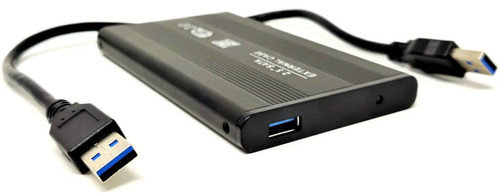
- USB Cable: USB 3.0 data and power cable
Technical Specifications
- Item Number: CM-500G-EX
- Product Type: Mini slim portable external hard drive
- Storage Capacity: 500GB
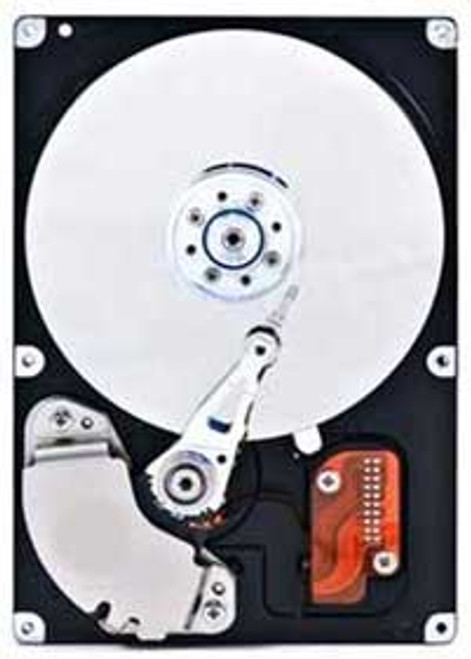
- Storage Technology: Mechanical hard disk drive / HDD
- Drive Form Factor: 2.5-inch
- External Interface: USB 3.0 SuperSpeed / USB 5Gbps
- Theoretical USB Link Rate: Up to 5Gbps
- Backward Compatibility: Compatible with USB 2.0 ports at reduced transfer speeds
- Host Connection: USB Type-A through the included cable
- Power Source: USB bus-powered
- External AC Adapter Required: No
- Enclosure Material: Aluminum
- Status Indicator: LED power and activity indicator
- Driver Requirement: No separate driver normally required on supported operating systems
- Installation Type: Plug and play
- Approximate Dimensions: 4.6" x 2.8" x 0.37"
- Approximate Metric Dimensions: 117mm x 71mm x 9.4mm
- Primary Application: Portable storage, file backup, archiving, and data transfer
Common Uses
- Backing up personal documents, photos, videos, and music
- Creating an offline backup copy that can be disconnected when not in use
- Transferring large files between home, office, and school computers
- Moving data from an old computer to a replacement system
- Storing work projects, presentations, spreadsheets, and customer files
- Carrying installers, diagnostic utilities, recovery files, and system images
- Expanding available storage on laptops and compact desktop computers
- Maintaining a portable photo, music, or video library
- Temporarily storing files before an internal drive replacement or operating-system installation
- Organizing archived files that do not need to remain on the computer’s internal drive
Approximate Storage Examples
Storage estimates are based on typical file sizes and are provided for comparison only. Actual capacity varies according to formatting, file size, compression, and operating-system measurement.
- Approximately 100,000 digital photos at 5MB each
- Approximately 60,000 MP3 songs at 8MB each
- Approximately 100 hours of 1080p video at 5GB per hour
- Approximately 500,000 documents at 1MB each
- Several large PC games or many smaller titles, depending on individual game size and platform requirements
⭐ Recommended 1TB Capacity Upgrade
Need additional storage for larger backups, media libraries, or project archives? Upgrade to the 1TB USB 3.0 SuperSpeed Plug and Play Mini Slim Portable External Hard Drive.
The 1TB version provides twice the advertised storage capacity while retaining the same portable, USB-powered, plug-and-play design. Sold separately.
✅ Confirmed Compatibility
Please note that compatibility depends on the host device’s USB connection, available USB power, operating system, and supported file system. Reformatting or a separate adapter may be required for certain devices.
✔️ Windows PCs: Windows 11, Windows 10, Windows 8.1, Windows 8, and Windows 7 systems with a compatible USB port
✔️ Mac Computers: macOS and Mac OS X desktops and notebooks with a compatible USB connection; reformatting may be required for full read-and-write access or Time Machine use
✔️ Chromebooks: ChromeOS systems that support external USB mass-storage devices
✔️ Linux Systems: Desktop and laptop distributions supporting USB mass storage and the drive’s selected file system
✔️ USB 3.0 Computers: Desktops, laptops, workstations, mini PCs, and all-in-one computers with USB 3.0 Type-A ports
✔️ USB 2.0 Computers: Backward compatible when adequate USB power is available; transfers will operate at USB 2.0 speeds
✔️ USB-C Computers: Can be used with a compatible data-capable USB-C adapter, hub, or replacement cable, sold separately
☑️ Key Features
☑️ 500GB portable storage capacity
☑️ Compact 2.5-inch mini slim design
☑️ USB 3.0 SuperSpeed interface with a theoretical link rate up to 5Gbps
☑️ Backward compatible with USB 2.0 ports
☑️ USB-powered operation with no AC adapter required
☑️ Plug-and-play support on modern operating systems
☑️ Aluminum enclosure for improved durability
☑️ LED indicator displays power and drive activity
☑️ Easily fits inside a laptop bag, backpack, purse, briefcase, or service kit
☑️ Suitable for backups, file transfers, archives, media storage, and computer migrations
☑️ USB data and power cable included
⚙️ Fit Notes
✓ This product contains a mechanical hard disk drive, not a solid-state drive.
✓ The USB interface supports a theoretical link rate of up to 5Gbps. Actual file-transfer speeds will be lower and depend on the internal HDD, computer, USB controller, cable, file system, and workload.
✓ A 500GB drive commonly appears as approximately 465GB in Windows because drive manufacturers and operating systems calculate capacity differently. Formatting also consumes a small amount of space.
✓ The included cable connects to a standard USB Type-A port. Computers equipped only with USB-C require a compatible data-capable adapter, hub, or cable.
✓ The drive’s supplied file system may not provide full read-and-write support on every operating system. Reformatting may be necessary for Mac, Windows-and-Mac sharing, Chromebook, Linux, Time Machine, or another specialized application.
✓ Reformatting permanently erases all files on the drive. Back up any existing data before changing the file system.
✓ Compatibility with televisions, DVRs, media players, gaming consoles, vehicle systems, and other non-computer devices depends on that device’s USB-storage support, power output, capacity limits, and required file system.
✓ If the drive is not detected through an unpowered USB hub, connect it directly to a USB port on the computer.
✓ Mechanical hard drives contain moving components. Avoid dropping, striking, or moving the drive excessively while it is operating.
✓ Do not disconnect the drive while the LED indicates active file access. Use the operating system’s eject or safely-remove function before unplugging it.
✓ No dedicated backup, cloning, encryption, or recovery software is included unless specifically shown.