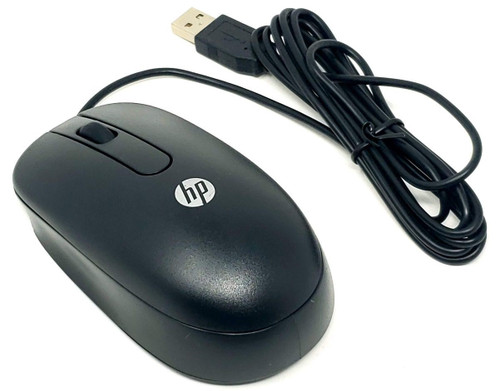
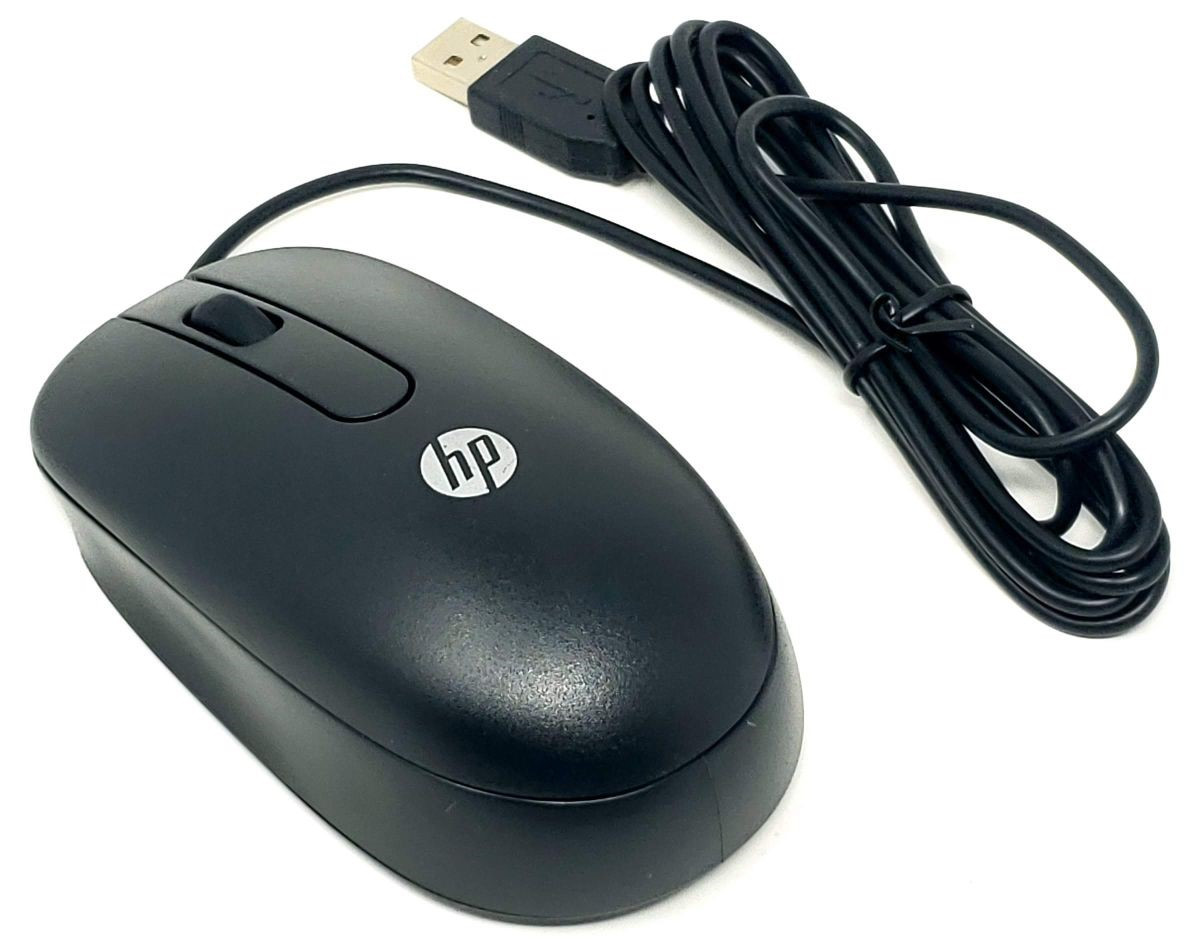
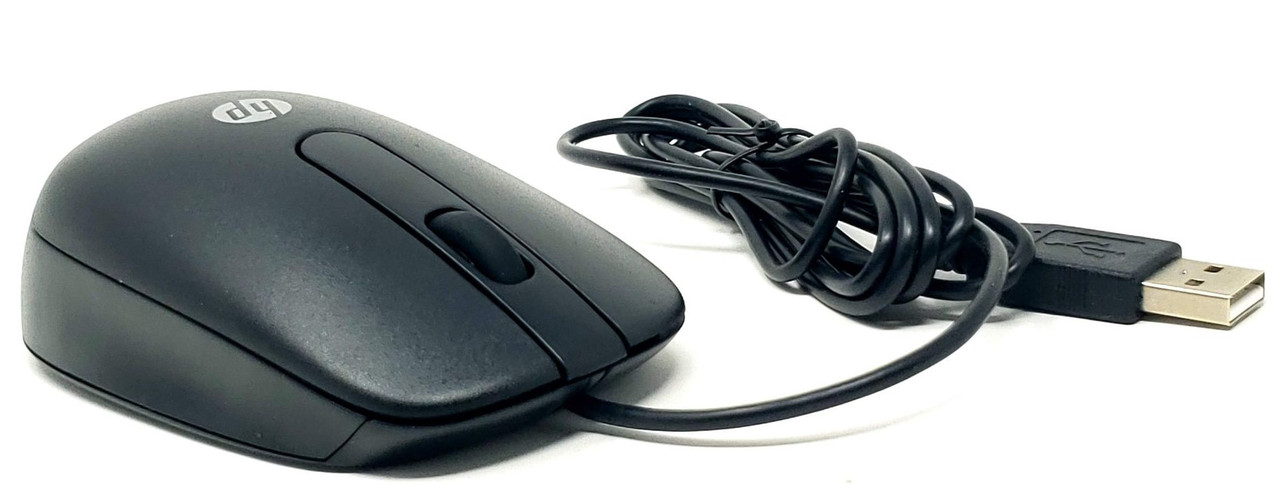
USB Wired Optical 2-Button Scroll Mouse for Desktop Laptop Workstation Server
This USB wired optical mouse provides straightforward cursor control for compatible desktops, laptops, workstations, servers and other systems with a standard USB-A connection.
The comfortable contoured design features left and right buttons and a scroll wheel for navigating documents, web pages, menus and applications. Simply connect the attached USB cable to a compatible system; no batteries or wireless receiver are required.
Technical Specifications
- Product Type: Wired optical mouse
- Connection: USB Type-A
- Connection Type: Wired
- Tracking Technology: Optical
- Primary Buttons: Left and right
- Scroll Wheel: Yes
- Wheel Button: Pressable center button on the QY777AA version
- Color: Black
- Design: Contoured, suitable for left- or right-handed use
- Power Source: USB connection
- Batteries Required: No
- Wireless Receiver Required: No
- Primary Option Number: QY777AA
- Associated Spare Number: 672652-001
- Application: Compatible USB-equipped desktops, laptops, workstations and servers
QY777AA reference specifications: 800 DPI optical resolution; approximately 70.9-inch / 180cm cable; approximately 4.5 × 2.5 × 1.5 inches. Specifications and labeling may vary among the interchangeable model references listed below.
Interchangeable / Replacement Part Numbers
QY777AA, QY777AT, QY777AA#ABA, 672652-001, 674318-001, 796145-001, 796244-001, 674316-001, 672654-001, 573078-001 MOFYUO, MSU1158, SM-2027, SM-2022, M-U0034-O, EMS-604A
The references above are associated with wired USB optical scroll mice in this product family. 573078-001 is referenced as being replaced by 672652-001.
Part numbers and model numbers can appear on the mouse label, packaging or service documentation. Different production versions may have minor differences in labeling, finish, sensor specification or cable length.
✅ Confirmed Compatibility
The following systems use or support a USB optical mouse. An available USB-A port and operating-system support for a standard USB mouse are required. This list is not exhaustive.
Workstations
✔️ Z Series Tower and Small Form Factor: Z230 Tower, Z230 SFF, Z240 SFF, Z420, Z620, Z820, Z440, Z640, Z840
✔️ Z Series All-in-One: Z1 All-in-One, Z1 G2 All-in-One
Business Desktops
✔️ ProDesk 400 Series: 400 G1, G2, G3, G4, G5 and G6 configurations
✔️ ProDesk 600 Series: 600 G2, G3, G4 and G5 configurations
✔️ EliteDesk 705 Series: 705 G2, G3, G4 and G5 tower and small-form-factor configurations
✔️ EliteDesk 800 Series: 800 G1, G2, G3, G4 and G5 configurations
✔️ 200, ZHAN and Desktop Pro Series: Compatible tower, small-form-factor, desktop mini and all-in-one configurations
✔️ Compaq Pro All-in-One: 4300 Pro All-in-One
Laptops and Mobile Workstations
✔️ EliteBook Series: 745 G3, 820 G3, 840 G3, 850 G3 and 1040 G3
✔️ Compaq Notebook Series: nc4000, nc6000 and nc8000
✔️ Mobile Workstation: nw8000
Servers
✔️ ProLiant ML Series: ML110 G7, ML310e Gen8, ML310e Gen8 v2, ML350 G6, ML350e Gen8 and ML350p Gen8
✔️ ProLiant DL Series: DL360 Gen9
✔️ Integrity Series: cx2620, rx2600, rx2620, rx3600, rx6600 and rx7640
Server use requires an available USB port and a local console or operating environment that supports USB mouse input. For remote management, mouse behavior also depends on the remote-console software and configuration.
Additional USB Compatibility
This mouse can also be used with many other systems that accept a standard wired USB mouse, including:
✔️ Desktop Computers: Compatible tower, small-form-factor, mini and all-in-one PCs with USB-A
✔️ Laptops: Compatible notebooks with an available USB-A port
✔️ Workstations: Compatible workstation towers, mobile workstations and all-in-one workstations
✔️ Servers: Compatible server systems and local console setups with USB mouse support
✔️ Docking Stations: Compatible docks and USB hubs that pass mouse input to the connected computer
✔️ KVM Switches: Compatible USB KVM switches that support standard mouse input
✔️ Other Equipment: Compatible thin clients and other devices that support a standard USB mouse
Systems with only USB-C ports require a compatible USB-C to USB-A adapter or dock, sold separately.
Operating System Support
- Windows: Standard USB mouse support in compatible Windows installations
- Linux: Standard USB mouse support in compatible Linux distributions
- Other Systems: Basic pointer, button and scrolling functions may work on other systems that support standard USB mouse input
Available functions depend on the operating system and application. A separate manufacturer-specific mouse driver is generally not required for basic operation.
☑️ Key Features
☑️ Simple wired USB connection
☑️ Optical tracking with no mouse ball
☑️ Left and right buttons for everyday navigation
☑️ Scroll wheel for documents, menus and web pages
☑️ Contoured shape suitable for either hand
☑️ USB-powered operation with no batteries
☑️ No wireless receiver required
☑️ Compatible with many desktops, laptops, workstations and servers
☑️ Useful for office work, repairs, server setup and everyday computing
☑️ Multiple part-number and model references for replacement searches
⚙️ Fit and Use Notes
- Confirm that the system has an available USB-A port or a compatible adapter.
- This is a wired mouse. The cable connects directly to the computer, dock, hub or compatible KVM.
- The mouse is intended for systems that support standard USB mouse input.
- Optical tracking works best on an opaque, nonreflective surface. Glass, glossy or reflective surfaces may affect tracking.
- The QY777AA version has two primary buttons and a pressable scroll wheel; it may be described as either a 2-button mouse with scroll wheel or a 3-button mouse.
- Compatibility with a server’s BIOS, preboot environment or remote console depends on that system’s USB and software support.
- When an exact label or model number is required, contact CPU Medics before ordering.
- Contact CPU Medics with your computer or server model if you need help checking compatibility.