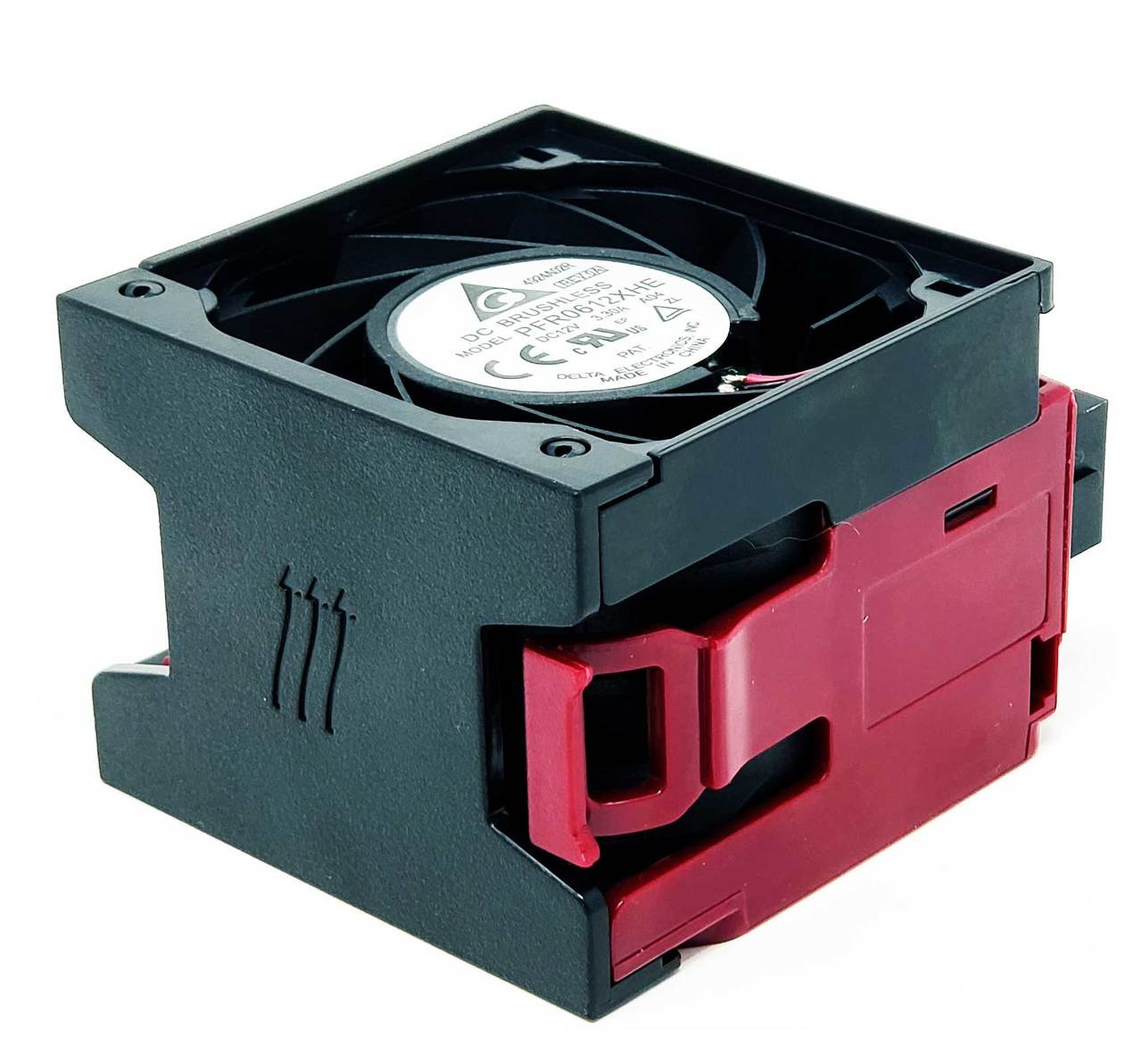
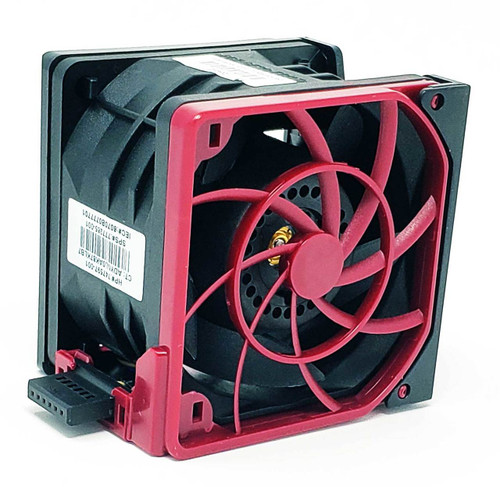
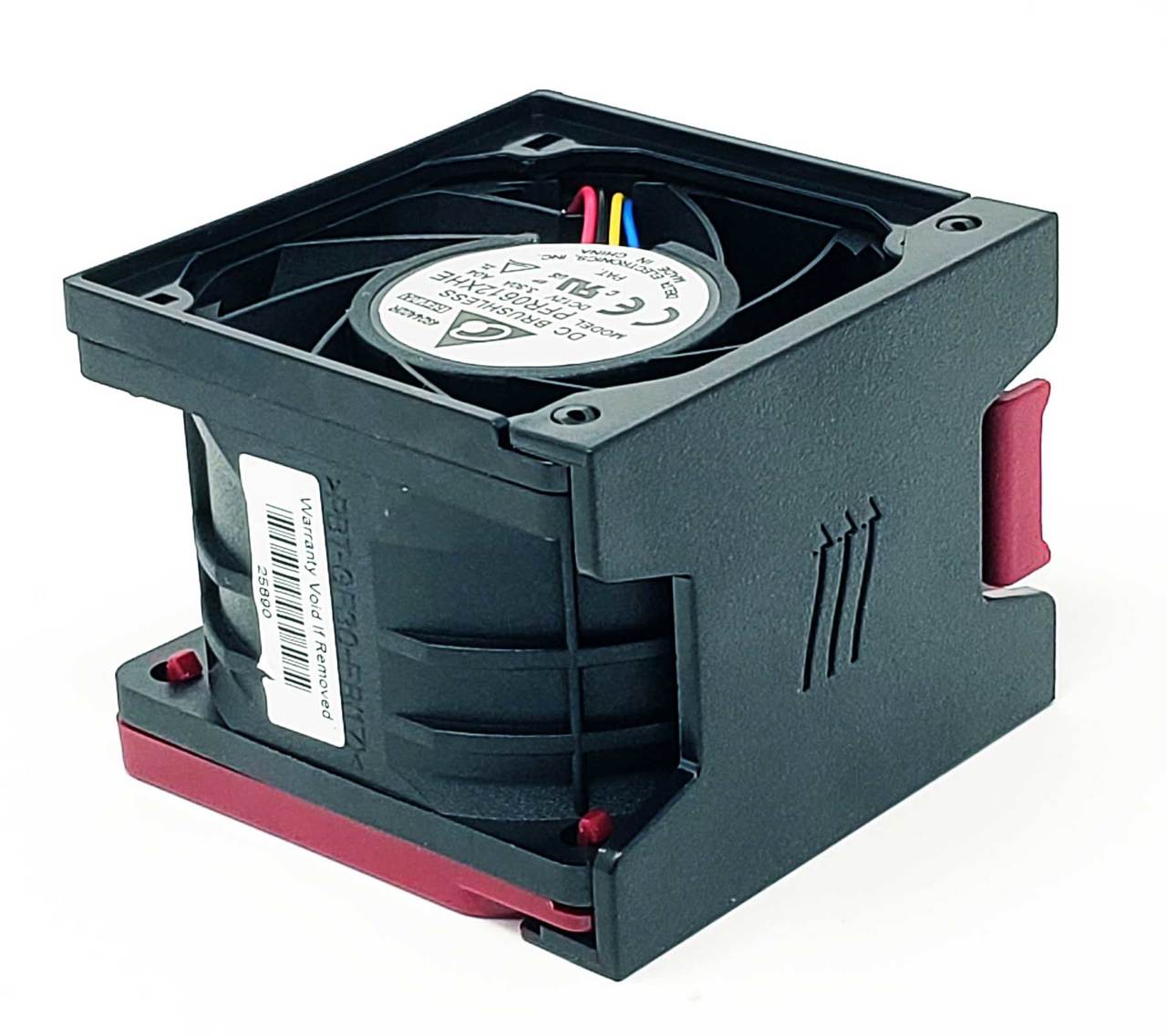
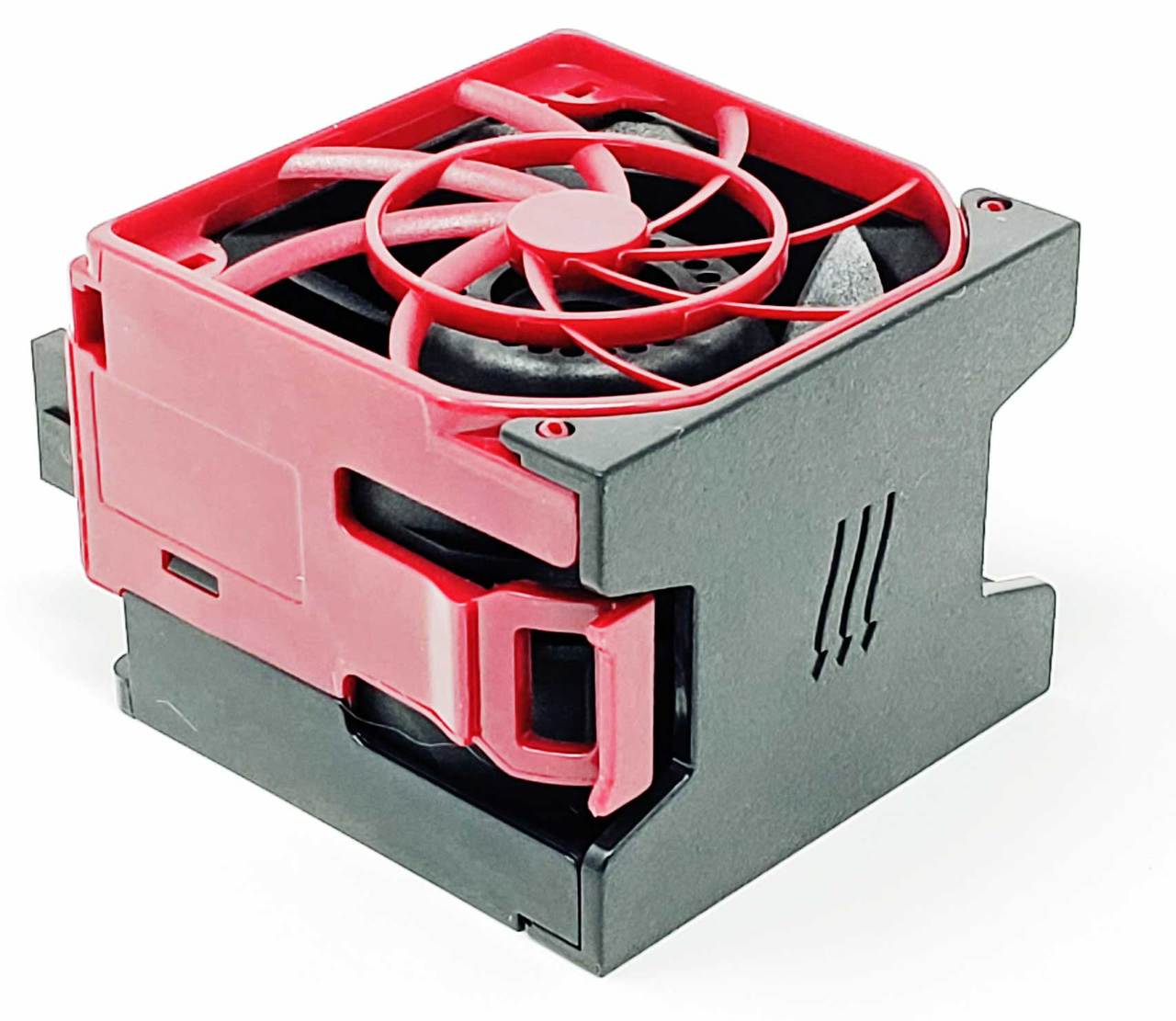
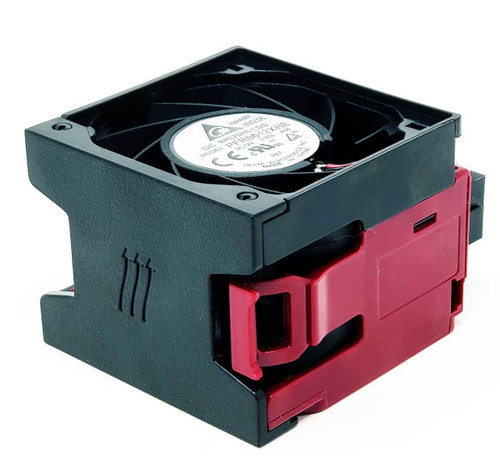
Standard Hot Plug Fan for ProLiant DL380 Gen9 DL388 Gen9
Standard hot plug fan assembly module for compatible ProLiant DL380 Gen9 and DL388 Gen9 rack server systems. This replacement fan installs in the internal fan cage and is used for chassis airflow and thermal cooling across the processor, memory, storage, and system board area. The listed part numbers are interchangeable standard fan modules with the same physical module style, 6-pin connector, 12V power rating, and matching Gen9 server fan-cage fitment.
Technical Specifications
- Primary Part Number: 747597-001
- Part Type: Standard hot plug server fan module
- Fan Model / Marking: PFR0612XHE
- Revision / Label Marking: A04
- Voltage: DC 12V
- Input Current: 3.30A
- Connector: 6-pin server fan connector
- Dimensions: 63mm x 63mm x 48mm
- Installation Type: Hot plug / tool-less fan module
- Mounting Location: Internal server fan cage
- Fan Cage Usage: Up to 6 fan modules depending on server configuration
- Cooling Type: System chassis cooling fan
- Application Type: Server fan replacement for compatible Gen9 rack systems
- Fan Type: Standard fan module
Interchangeable / Replacement Part Numbers
747597-001, 777285-001, 796850-001, 796851-001, 6070B0777701, 6070B0778701, PFR0612XHE, PFR0612XHE A04, PFR0612XHE-DL380-G8
✅ Confirmed Compatibility
Please note that the following list is not exhaustive. Compatibility depends on your server’s specific configuration. It’s essential to verify compatibility with your original fan module part number, fan type, connector, housing style, fan-cage layout, processor count, drive-bay configuration, and chassis requirements prior to installation.
✔ HPE ProLiant Gen9 Rack Servers: ProLiant DL380 Gen9, ProLiant DL388 Gen9
☑️ Key Features
☑️ Standard hot plug fan module for compatible ProLiant Gen9 rack servers
☑️ Direct replacement for DL380 Gen9 and DL388 Gen9 standard fan positions
☑️ Interchangeable with multiple HP / HPE and board-level fan part numbers
☑️ 6-pin connector for matching server fan headers
☑️ DC 12V 3.30A server-grade cooling fan module
☑️ Tool-less hot plug design for quick fan replacement
☑️ Helps restore proper chassis airflow and thermal control
☑️ Useful replacement for failed, noisy, missing, intermittent, or error-reporting fan modules
☑️ Designed for internal fan-cage installation in compatible rack server chassis
⚙️ Fit Notes
✓ Match your original fan module part number whenever possible
✓ Confirm the fan has the same 6-pin connector, housing shape, latch design, and physical dimensions
✓ Do not match by PFR0612XHE alone, since that fan motor marking may appear on different server fan modules with different housings or connectors
✓ Some DL380 Gen9 configurations use 4 fans, while others require 6 fans depending on processor count and chassis configuration
✓ Dual-processor and fully redundant configurations commonly require the proper full fan population
✓ Keep fan blanks installed in any bays where the server requires blanks
✓ 12LFF, 24SFF, GPU, passive GPU, or high-ambient configurations may require high-performance fans instead of standard fans